Post by
 Effective communication is at the heart of every successful business. Whether you are managing customer enquiries, collaborating with colleagues, or coordinating teams across multiple locations, reliable business telephony is essential for maintaining productivity and delivering excellent customer service.
However, traditional telephone systems can struggle to meet the demands of modern working environments. Separate communication platforms, ageing hardware, and limited remote access can create unnecessary complexity, increase operating costs, and make it harder for employees to stay connected.
At PurpleJelly, we help businesses across Surrey and Hampshire modernise their IT infrastructure with practical, secure, and scalable solutions. One technology transforming business communications is Microsoft Teams Phone, which brings business calling into the familiar Microsoft Teams environment.
By combining voice calling with collaboration tools, this technology can help organisations simplify their communications, support hybrid working, and improve the experience they deliver to customers. In this guide, we explain how it works, the benefits it offers, and what businesses should consider before making the switch.
What Is Microsoft Teams Phone?
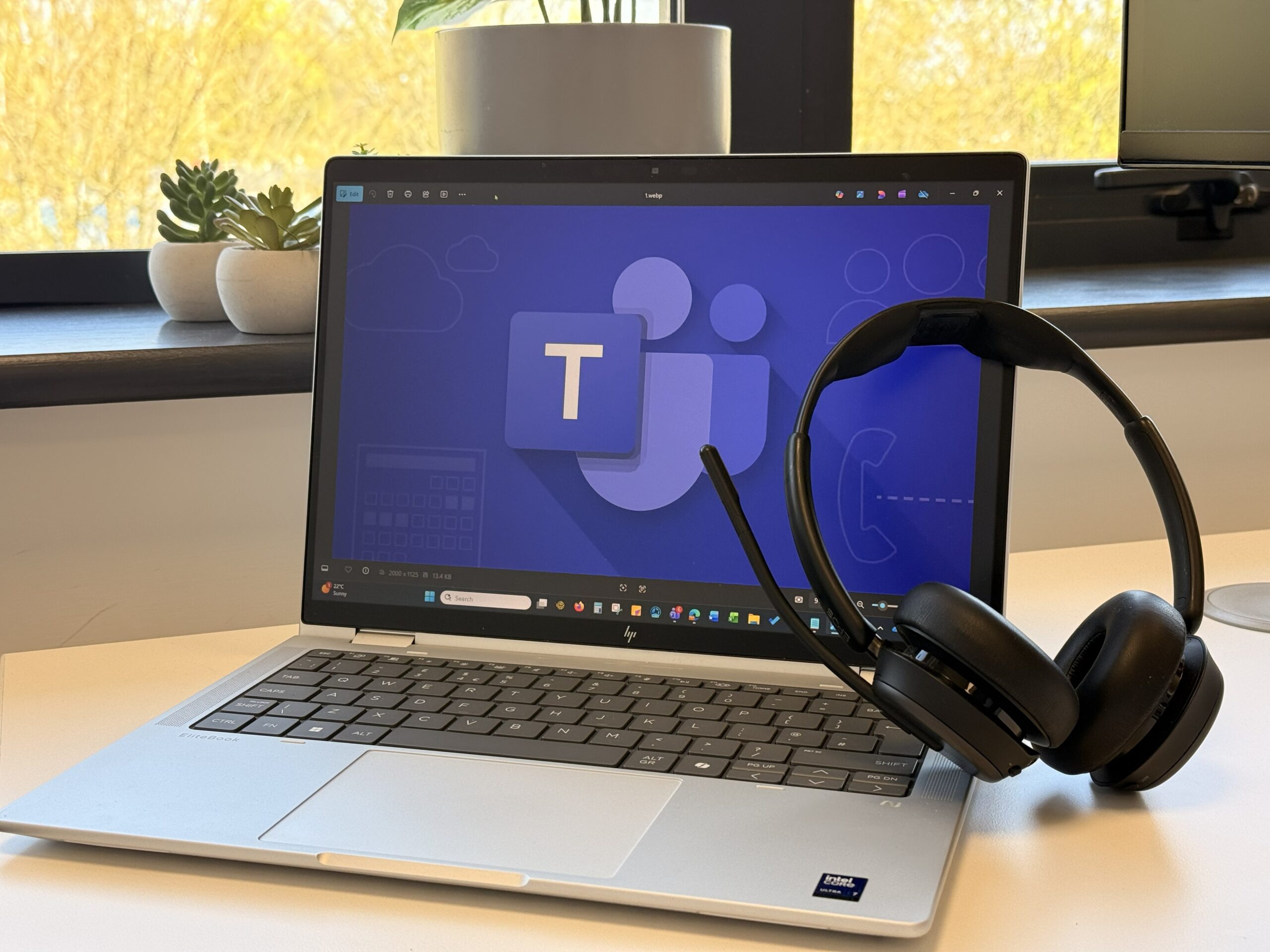
Microsoft Teams Phone is a cloud-based business telephony solution that adds telephone system functionality to Microsoft Teams. Rather than relying on a separate office telephone platform, businesses can manage internal and external calls through the Teams application on compatible computers, smartphones, tablets, and desk phones.
It extends the collaboration capabilities many organisations already use through Microsoft 365, allowing employees to bring calls, meetings, messaging, and teamwork together within a single working environment.
Unlike a basic internet calling application, the platform can provide familiar business telephone features, including call transfers, voicemail, call forwarding, automated attendants, and call queues. These capabilities help organisations manage incoming enquiries efficiently and direct callers to the right people or departments.
A key distinction is that Microsoft Teams Phone provides the telephone system capabilities, while a separate connection to the public telephone network is generally needed for calls to and from ordinary external phone numbers. Businesses must therefore consider both their licensing and their chosen calling arrangement.
For organisations already using Microsoft 365, this approach can offer a practical route to modernising communications without maintaining an entirely separate telephone system.
The Key Benefits of Microsoft Teams Phone for UK Businesses
Moving to modern business telephony is about more than replacing desk phones. It is about improving how people communicate, how customers reach your organisation, and how effectively your technology supports everyday operations.
1. Unified Communications in One Familiar Platform
One of the biggest advantages is the ability to bring business calls into the same application used for chats, meetings, and collaboration.
Employees can move between a conversation and a telephone call without constantly switching between unrelated applications. They can also use the wider Microsoft 365 environment to support their workflows, subject to the applications, permissions, and licences available to them.
For businesses, fewer disconnected tools can mean a more consistent user experience and less time spent navigating different systems. It can also simplify onboarding because employees may already be familiar with the Teams interface.
2. Greater Flexibility for Hybrid and Remote Working
Modern businesses need communication systems that work wherever their employees are based. With Microsoft Teams Phone, authorised users can make and receive business calls through supported devices and internet connections, rather than relying solely on a handset at their office desk.
This can be particularly useful for businesses across Surrey and Hampshire with employees working from home, travelling between sites, or visiting customers.
Employees can maintain access to their business calling facilities while working remotely, helping them stay connected to colleagues and customers. Appropriate device security, network access, and account controls remain essential, particularly when staff use mobile devices or work outside the office.
The result is a more flexible working environment without losing the consistency of a central business telephone system.
3. Professional Call Handling and Customer Service
Every missed customer call can represent a missed opportunity. Modern telephony features help businesses manage incoming calls more effectively, even when reception staff or individual employees are unavailable.
Automated attendants can greet callers and offer menu options, while call queues can distribute incoming calls to appropriate teams. Call forwarding, delegation, and voicemail can provide additional ways to manage enquiries during busy periods or outside normal working hours.
These features can help smaller organisations deliver a more professional calling experience without necessarily needing a dedicated receptionist at every location.
However, effective call handling depends on thoughtful configuration. Call queues need appropriate staffing, voicemail arrangements must be monitored, and routing rules should reflect how the business actually operates. A well-designed system should make it easier for customers to reach the right person, rather than simply adding more menu options.
4. Potential Cost Savings and Simpler Infrastructure
Maintaining a traditional telephone system can involve hardware, maintenance agreements, replacement handsets, and separate service arrangements. Moving to a cloud-based platform may reduce some of these costs and simplify the infrastructure that your business needs to manage.
Microsoft Teams Phone can also reduce the need for separate telephony applications, particularly where employees already use Teams for collaboration.
However, savings are not automatic. Licensing, telephone numbers, calling charges, compatible devices, implementation, and ongoing support all contribute to the total cost. Businesses should compare their existing expenditure with the full cost of the proposed solution before making a decision.
A detailed assessment can help identify which services are genuinely necessary, which existing investments can be retained, and where consolidation could provide better value.
5. Scalability as Your Business Grows
As organisations expand, their communication requirements change. Additional employees, new departments, and multiple office locations can put pressure on older telephone systems.
A cloud-based solution can make it easier to provision users, allocate telephone numbers, and adjust call-routing arrangements as requirements evolve. This can support businesses ranging from small teams to larger organisations with more complex communication needs.
The appropriate design will depend on user numbers, licensing, calling requirements, and any specialist integrations. Rather than assuming one configuration suits everyone, businesses should plan around their current needs and likely future growth.
6. Integration with Microsoft 365
For businesses already using Microsoft 365, integrating telephony into the wider productivity environment can reduce friction between communication and day-to-day work.
Employees can use Teams alongside supported Microsoft 365 applications, while meetings, chat, and business calls remain accessible through a familiar interface. Depending on the configuration and available licences, additional integrations may support particular departmental workflows.
This can be valuable for organisations seeking a more joined-up digital workplace, where communication tools support productivity rather than operating as isolated systems.
How to Implement Microsoft Teams Phone Successfully
A successful deployment starts with understanding your business, rather than simply purchasing licences and enabling telephone calling. Careful preparation can reduce disruption, avoid unnecessary costs, and help employees adapt to the new system.
Step 1: Assess Your Current Telephony Requirements
Begin by reviewing your existing telephone system, including the number of users, current telephone numbers, call volumes, departmental requirements, and any specialist equipment.
Consider how calls are handled today, whether your business needs automated attendants or call queues, and how employees will work across different locations. It is also worth identifying any integrations that must remain operational after migration.
This assessment creates a practical foundation for selecting a solution that meets your needs without introducing unnecessary complexity.
Step 2: Review Licensing and Calling Costs
Microsoft Teams Phone licensing requirements depend on your existing Microsoft 365 subscriptions and the features you intend to use. Some subscriptions include relevant telephone system capabilities, while others require an additional licence.
External calling also requires an appropriate public telephone network connection, and telephone numbers are not automatically included with every Teams Phone licence.
Review the full cost of licences, numbers, calling arrangements, compatible devices, and support before committing. A clear cost comparison can help establish whether the proposed system offers genuine value over your current setup.
Step 3: Check Your Network and Devices
Internet connectivity plays a central role in voice quality. Poor Wi-Fi coverage, network congestion, insufficient bandwidth, and unsuitable network configuration can all affect the calling experience.
Your business should assess its internet connection, internal network, wireless coverage, and quality-of-service requirements where appropriate. Testing representative working locations can help identify issues before employees depend on the new system.
It is also important to decide whether staff will use headsets, existing compatible desk phones, mobile devices, or a combination of these options.
Step 4: Configure Calling, Routing, and Security
Once the technical requirements are understood, the system can be configured to reflect how your organisation operates.
This may involve assigning licences and numbers, establishing call queues, setting up automated attendants, configuring voicemail, and defining user permissions. Emergency calling arrangements and location information must also be reviewed and configured appropriately for the chosen service.
Before launch, test inbound and outbound calls, call transfers, routing rules, voicemail, and any business-critical scenarios. Testing should also consider what happens when a user is unavailable or connectivity is disrupted.
Step 5: Train Employees and Plan the Transition
Even a well-configured telephone system can underperform if employees do not know how to use it effectively.
Provide clear guidance on making and transferring calls, managing voicemail, using headsets, and accessing business calling features on different devices. Explain any changes to existing telephone numbers or procedures well before the migration date.
A phased rollout may be appropriate for larger organisations or businesses with complex requirements. Gathering employee feedback after launch can help identify configuration issues and opportunities to improve the experience.
Is Microsoft Teams Phone Right for Your Business?

The right solution depends on your organisation’s size, existing infrastructure, budget, and communication requirements.
Businesses already using Microsoft 365 may find that adding telephone capabilities creates a more consistent working environment. Organisations with remote employees, multiple offices, or plans for growth may also benefit from the flexibility of cloud-based calling.
However, businesses with specialist contact centres, legacy telephone equipment, or complex call-routing requirements should assess compatibility carefully before making a decision.
A structured review of your current arrangements, future plans, and total cost of ownership will help determine whether the investment is worthwhile. The objective should be to improve communication and operational efficiency, not simply to adopt new technology for its own sake.
PurpleJelly: Your Partner for Modern Business Communications
Choosing the right telephone system is an opportunity to improve customer service, simplify everyday working practices, and build a more flexible IT environment. With the right planning and configuration, Microsoft Teams Phone can help your organisation bring business calling and collaboration together in a way that supports long-term growth.
At PurpleJelly, we provide professional IT solutions and ongoing technical support to businesses across South East England. We can help you assess your current telephone arrangements, understand your options, and implement a solution that aligns with your operational needs, security requirements, and budget.
Ready to modernise your business communications? Speak to the PurpleJelly team on 01252 856 230, or fill out our contact form to discuss how we can help your business get more from its technology.